
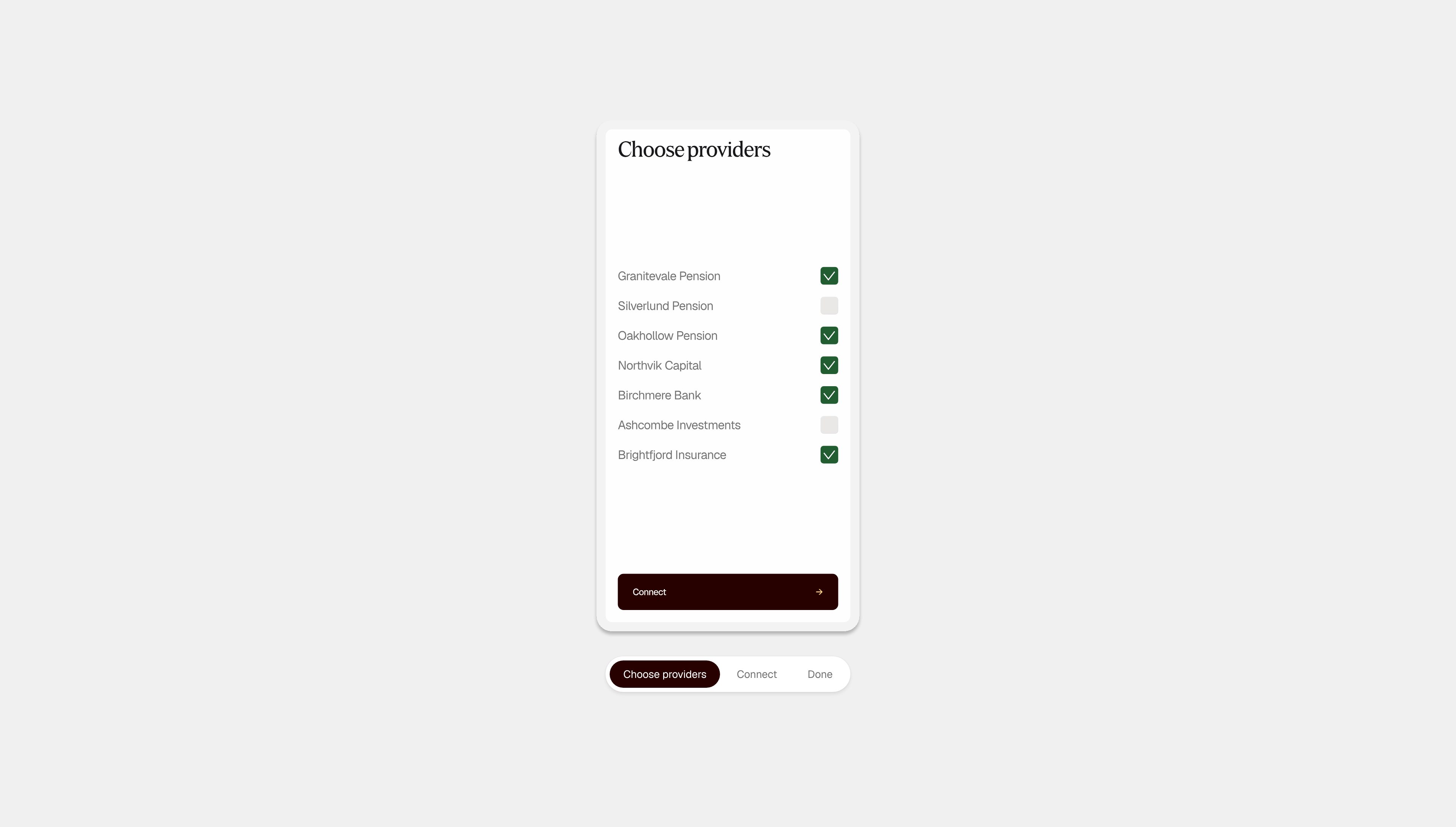
Every extra step costs you customers
Complex authentication, unclear consent and unexpected errors cause drop-off. Connect handles them in one tested flow.
Built to handle the complexity
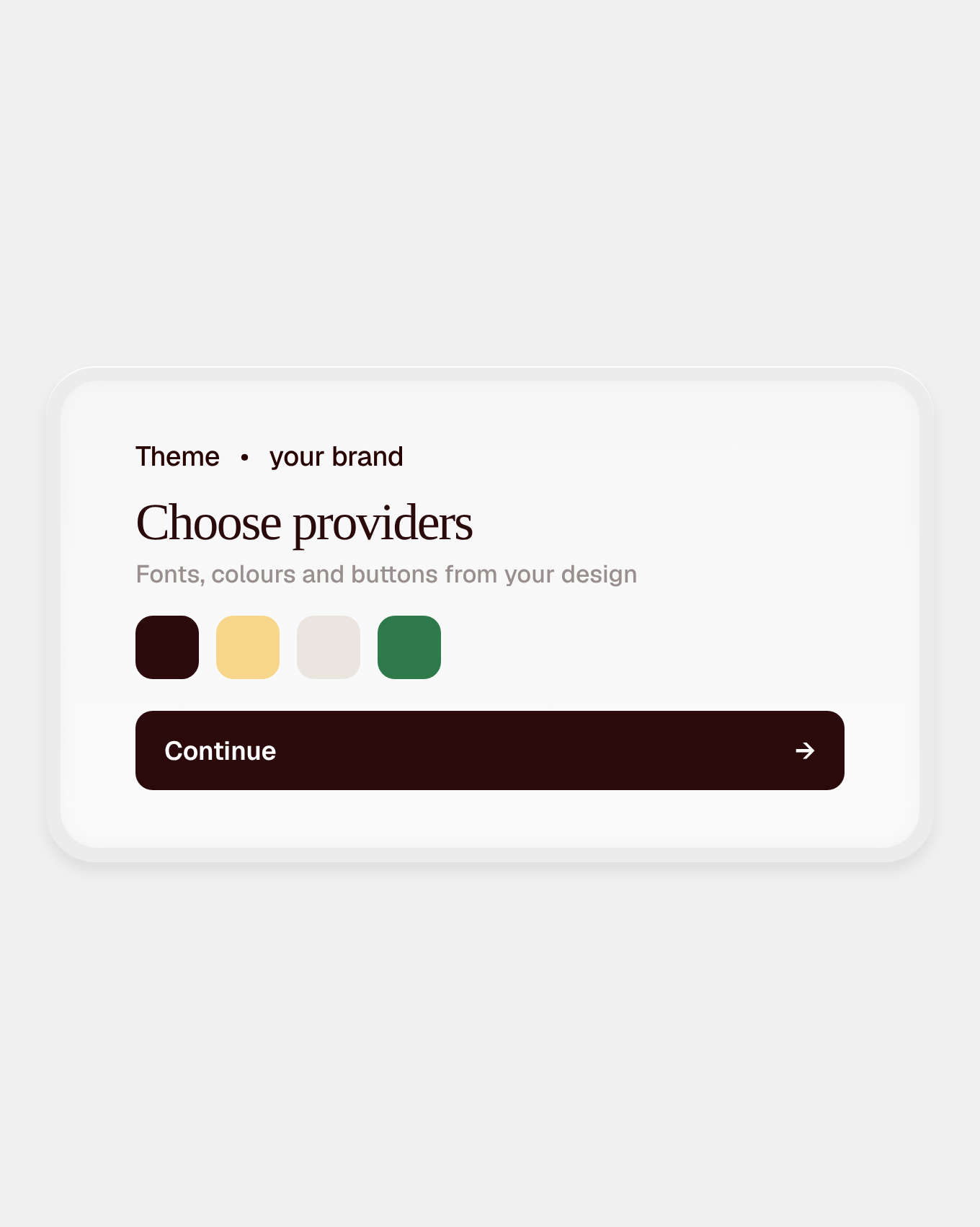
Your brand
Typography, colours, buttons and signal colours match your design.
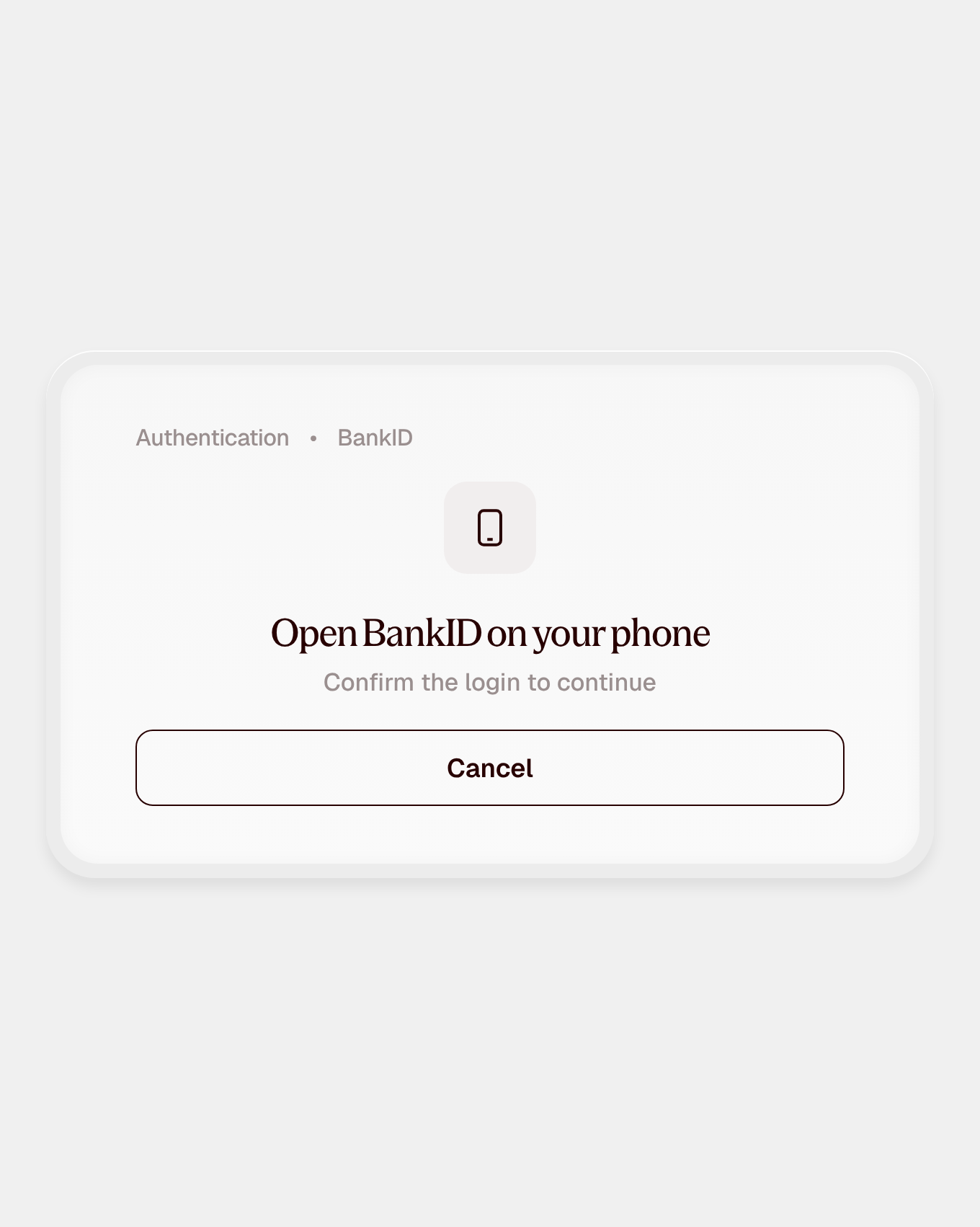
Authentication built in
BankID, credentials and two-factor, handled in the flow.
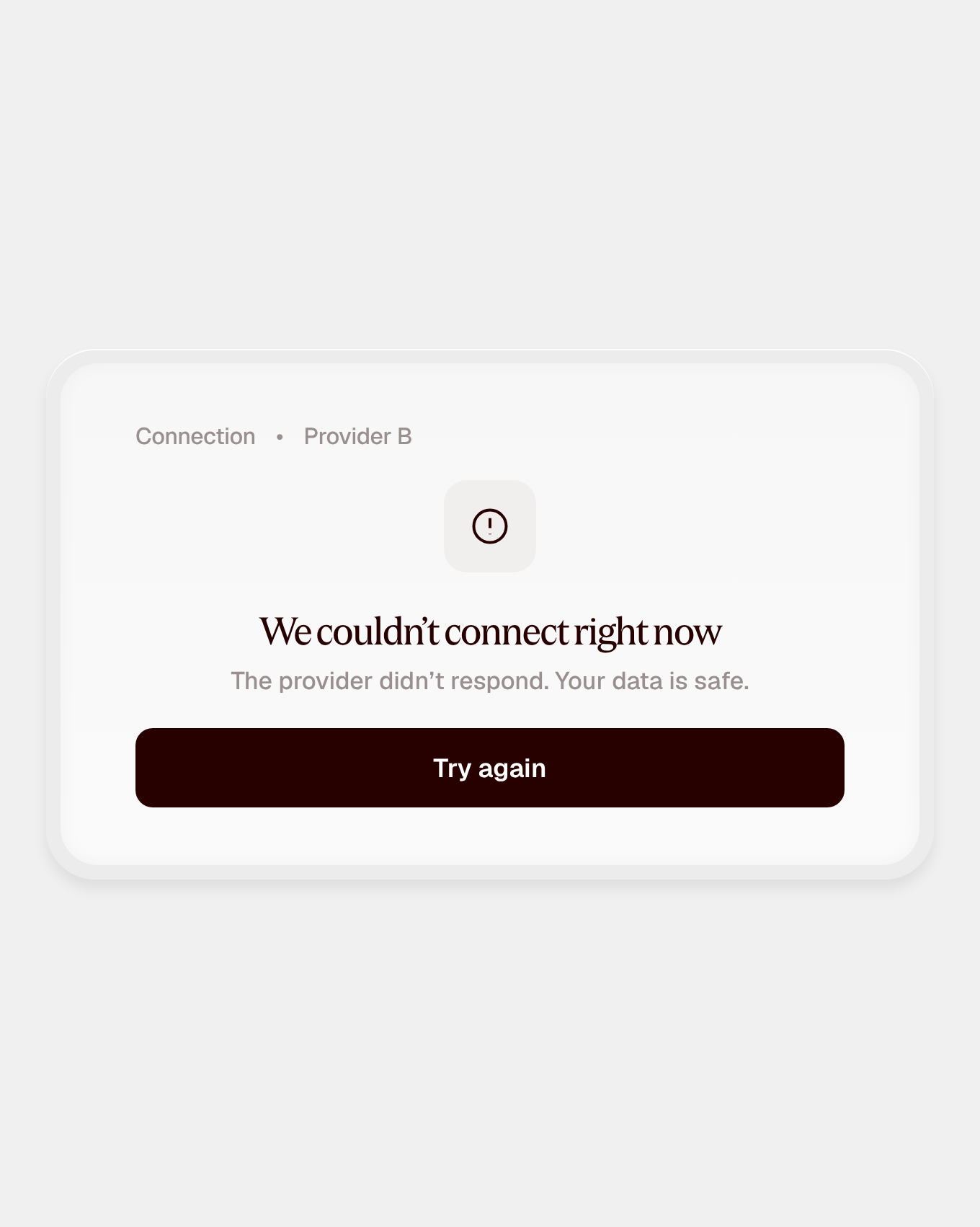
Errors handled
Failed authentication and provider issues are managed for you.
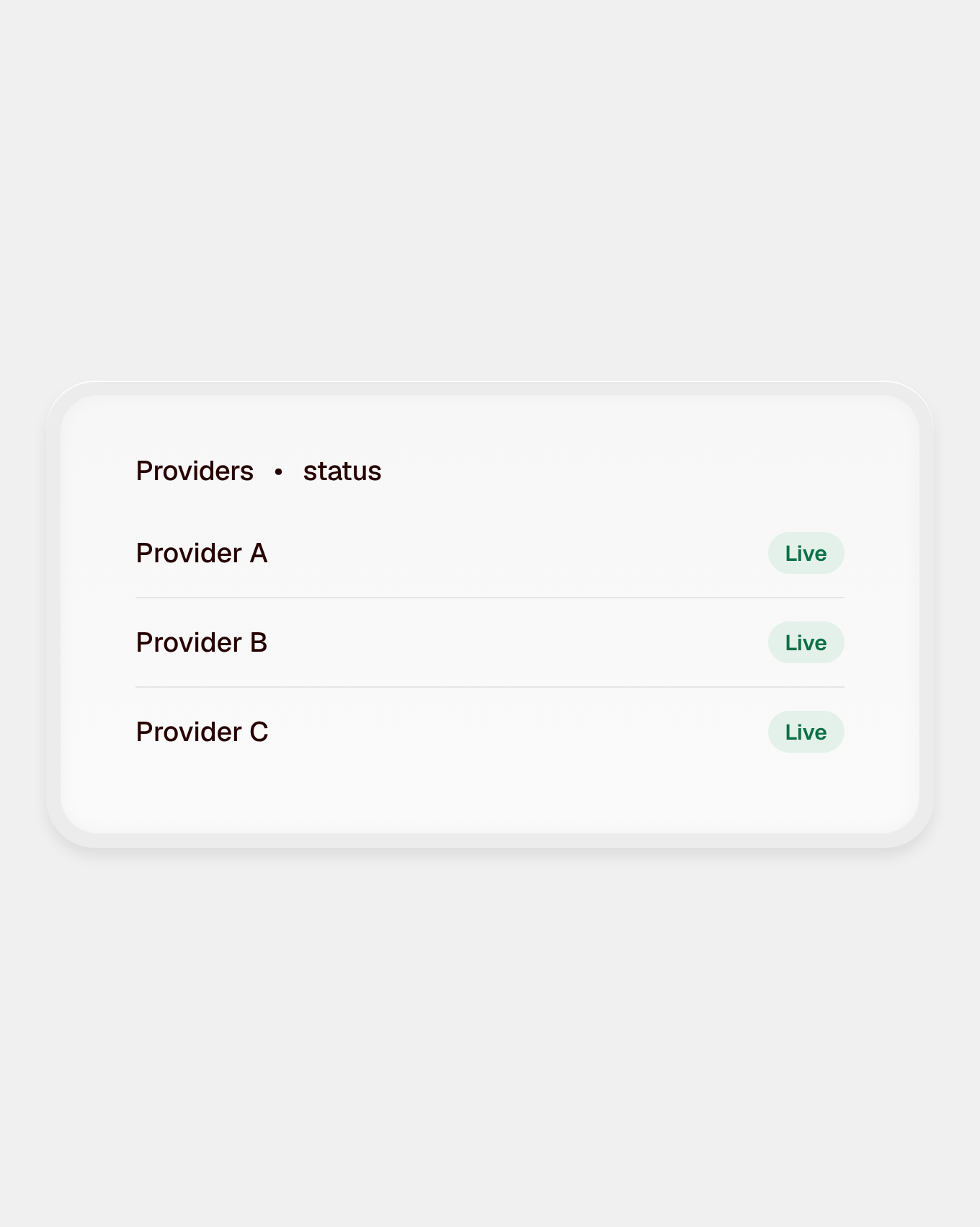
Kept up to date
As providers change how customers authenticate, we update the journey, so you don't have to.
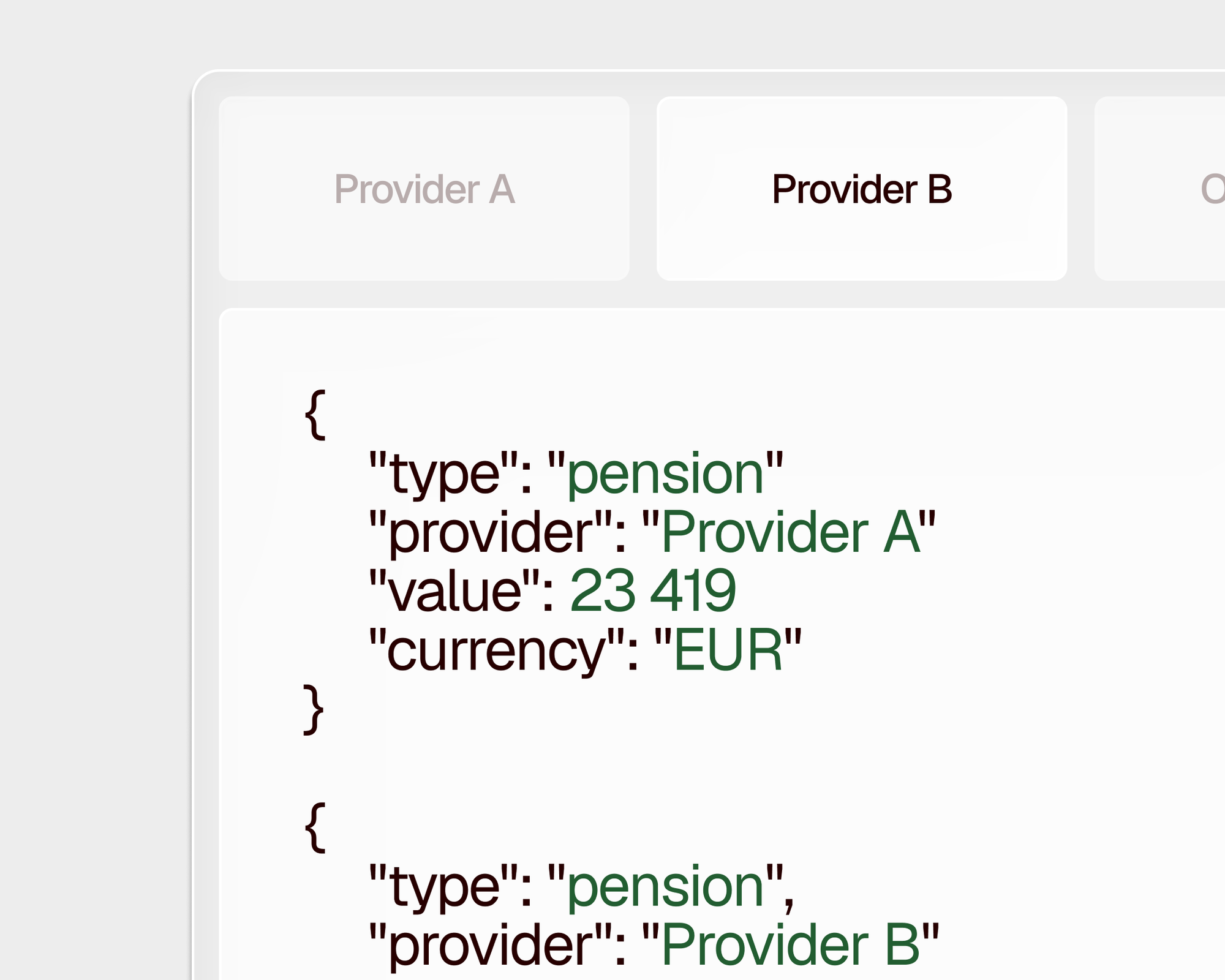
curl https://api.anessa.co/v1/accounts \
  -H "Authorization: Bearer $TOKEN"
Editor note (hidden on the live site): paste code in the Code field on the right and set the card header in Code Title / Code Meta (leave both empty to hide it). Lines starting with // are comments; a quoted line that isn't a key (a chat question or answer) shows as text. Colours and line numbers only appear on the published page.
Every category, through one API
FAQ
Do we have to use it?
No. Anessa Connect is optional, and the Financial data API works without it. If you build your own journey, you handle provider selection, authentication, consent and error states yourself, for every provider you support. We recommend Anessa Connect because that’s the part that takes longest to build well and keeps needing attention as providers change their authentication flows. With Anessa Connect, that work stays with us.
What do we have to build?
You own the journey around the data sharing: everything before the customer starts sharing their data, and everything after. Anessa Connect handles the steps in between, from choosing a provider to authenticating and giving consent. When the collection is complete, your systems receive the data in one of two ways. Either Anessa Connect passes it to your app or website through postMessage, or your backend fetches it from the Financial data API. In practice, that means front-end work to embed the flow, plus whatever you do with the data afterwards.
Can we brand it?
Yes. Anessa Connect is fully themeable, so it feels like part of your product rather than a third-party window. You set your own colours, fonts and button shapes to match your brand, and your customers stay in a journey that looks and feels like yours from start to finish.
Does it work in mobile apps?
Yes. Anessa Connect runs on the web and inside iOS and Android apps, through our mobile SDKs or a webview, so customers can share their data wherever they use your product.
Is it secure and consented?
Yes. Nothing is collected until the customer has given their consent and authorised Anessa’s assisted access to their financial service provider. Anessa uses the customer’s credentials only to carry out the data collection and discards them immediately afterwards. They are never shared and never reach your systems. All data is encrypted in transit and at rest and stored in the EU, and Anessa is ISO 27001 certified.